Glossary
Easy-to-understand definitions for common cybersecurity terms and topics.
Hello!
You’re about to visit our web page in English
Would you like to continue?
If this is not what you’re looking for,

Computer viruses are one of the oldest and most persistent types of threats in the digital world. They are malicious programs designed to disrupt the normal functioning of a device, operating system, or network, usually for negative purposes, including stealing information, or controlling a device remotely.
Just like a biological virus, they spread by inserting themselves into other programs or files and require human interaction (such as opening an infected file) to activate and begin replicating.Once a virus is activated, it can perform a variety of actions, from slowing down the system and displaying annoying messages to deleting important files, installing other malware, or opening backdoors to allow third parties access to the infected device.
The aims of viruses vary considerably depending on their design and the intentions of the cybercriminals behind them. In general, computer viruses are designed to:
Viruses often do not operate alone. They can work in conjunction with other types of malware to maximize the damage or the financial benefits for their creators.
Viruses require human intervention to spread. This may include common actions such as opening an infected email, downloading software from unofficial sites, or using contaminated USB drives. The main infection vectors include:
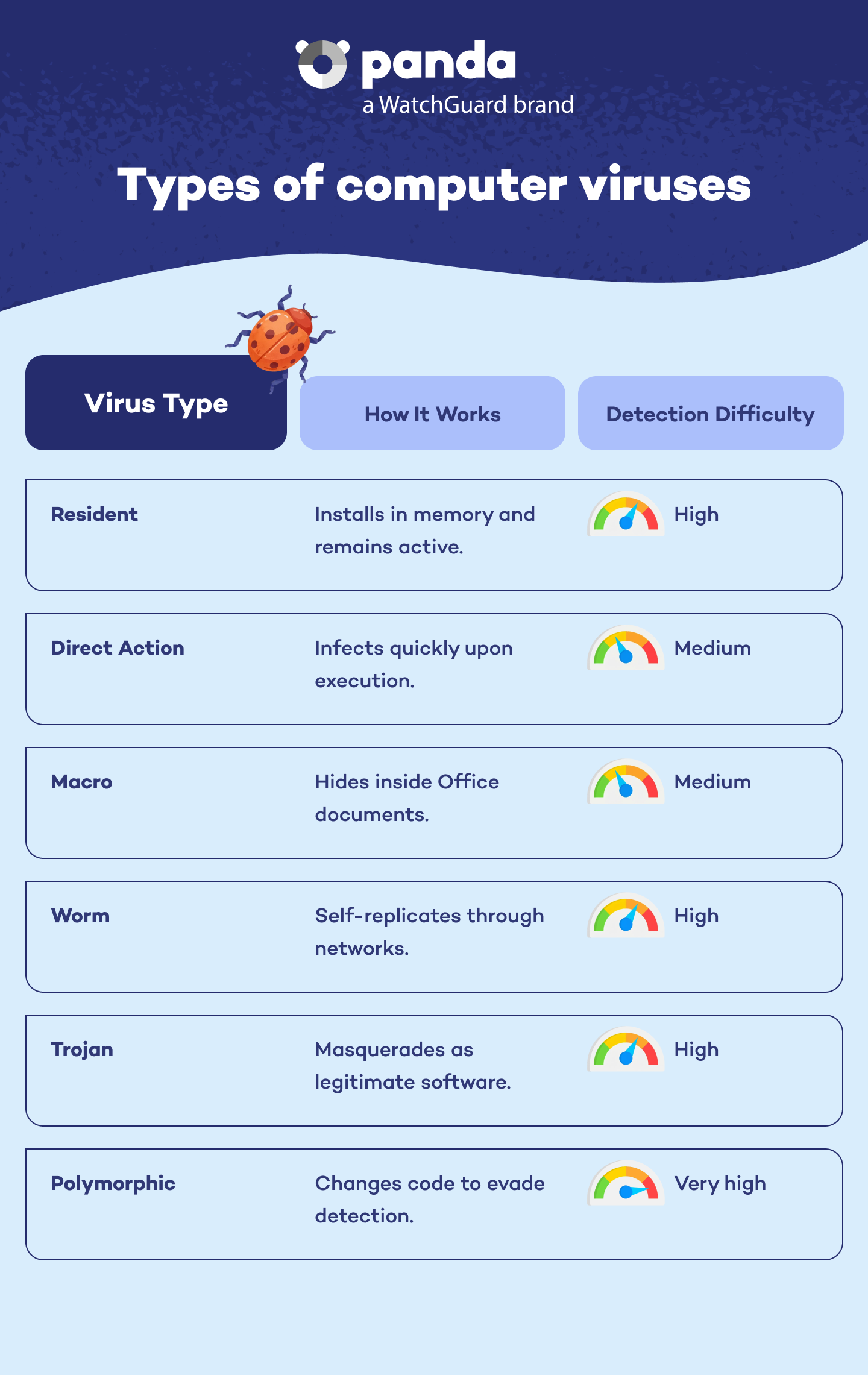
Although in everyday parlance we tend to refer to ‘viruses’, in the world of cybersecurity, it is important to distinguish between different types of threats. Within the group of viruses themselves, there are several types:
These load into a system's memory and remain active to infect new files as they are used.
These act immediately after being run, infecting files in the same directory or location.
These are especially common in Microsoft Office documents and take advantage of the program's automated functions to run malicious code.
Although they do not attach themselves to files in the same way as viruses, worms spread on their own through networks or connected devices, generating massive traffic and crashing systems.
These masquerade as harmless software but, in reality, trojans enable remote access to a system or data theft.
Their code changes each time they replicate in order to evade traditional antivirus software.
Protecting yourself from viruses is possible, as long as you take a proactive attitude. These are some of the good practices recommended by Panda Security:
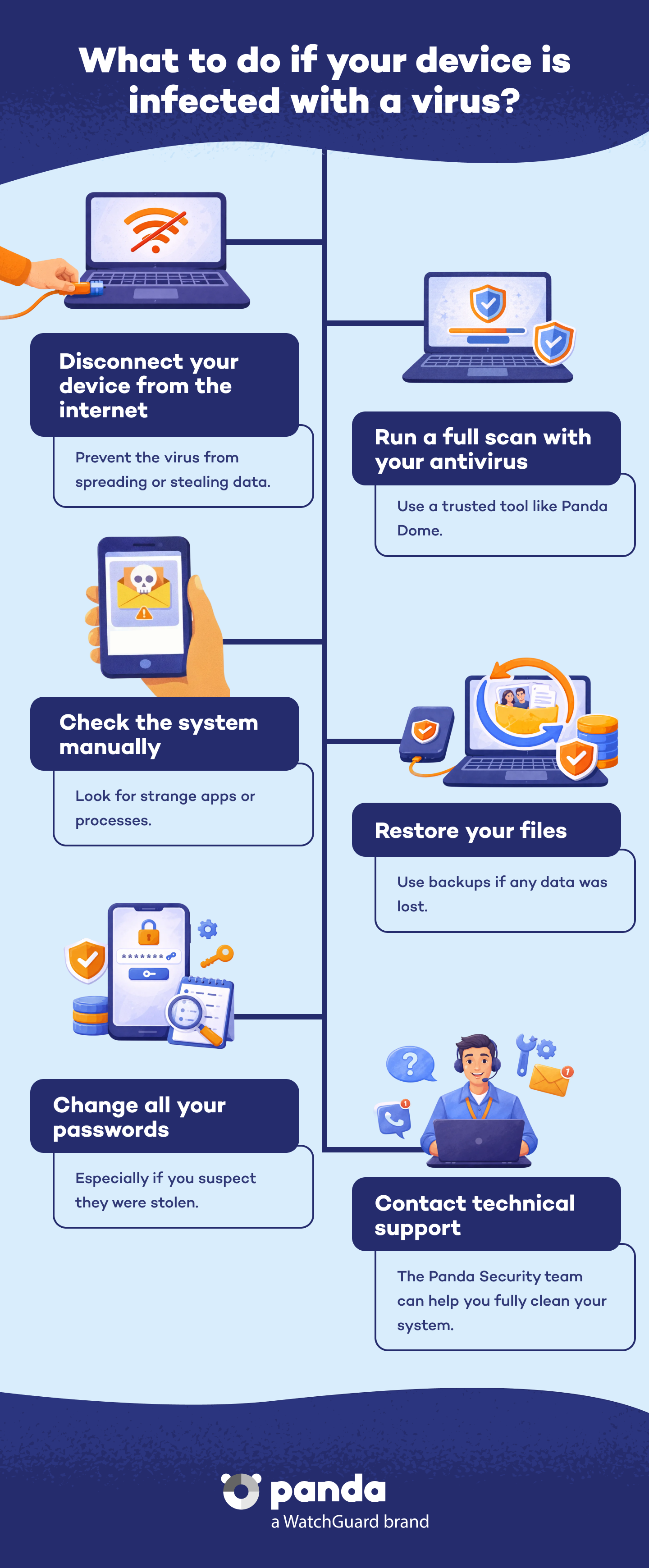
If you suspect your computer or mobile device is infected with a virus, the first step is to act quickly. Here's a basic guide on what to do:
Five tell tale signs of a computer infection: unusual slowness, pop-ups, system crashes, unusually high resource usage, and changes to the home page.
Discover the Panda Dome plan that best fits your needs
You can take a look to every single product page (Panda Dome Essential, Panda Dome Advanced, Panda Dome Complete and Panda Dome Premium) or compare all our plans to take a decision.
Digital security is everyone's responsibility. With the right information and tools, you can reduce risks and use the Internet with peace of mind. Explore our guides and protect your online privacy.
Glossary
Easy-to-understand definitions for common cybersecurity terms and topics.
BlPanda Security
Discover expert advice, detailed tips, and the latest cybersecurity news.

Panda Security, a WatchGuard Technologies brand, offers the most advanced protection for your family and business. Its Panda Dome range provides maximum security against viruses, ransomware and computer espionage, and is compatible with Windows, Mac, Android and iOS.